
Does your work revolve around a lot of graphics-related niches? Being a graphics designer means you have to be creative, innovative, and organized. To help you achieve all these, we have hand-picked 7 best Chrome extensions that can help achieve your goals.
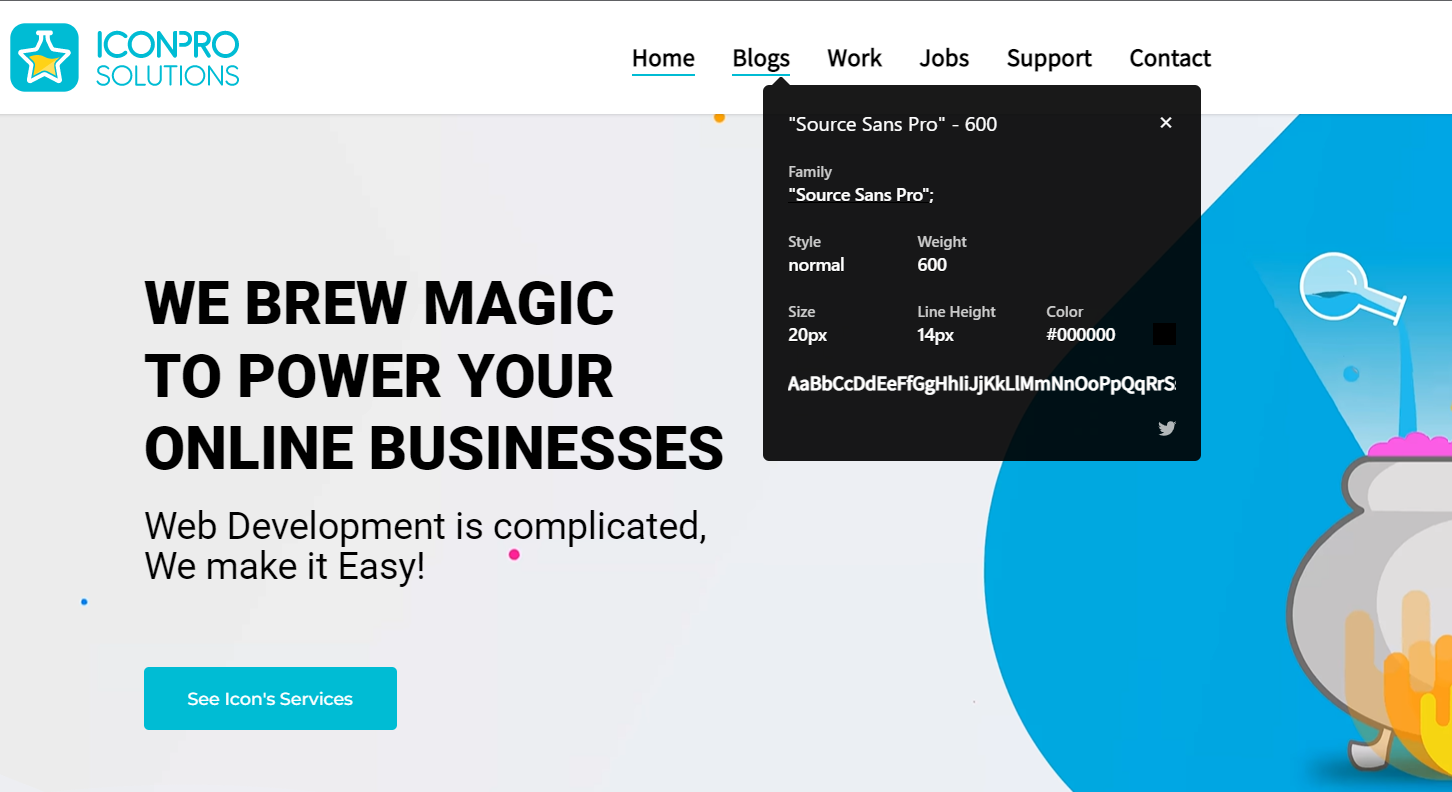
1. Whatfont
We couldn’t help but keep Whatfont on top of our list because the extension is a complete package for users who wants to know about a font’s properties.
Whether you want to identify a font’s name, size, style, or color all you have to do is a single click and it’ll display all the information related to that font.
2. Colorzilla
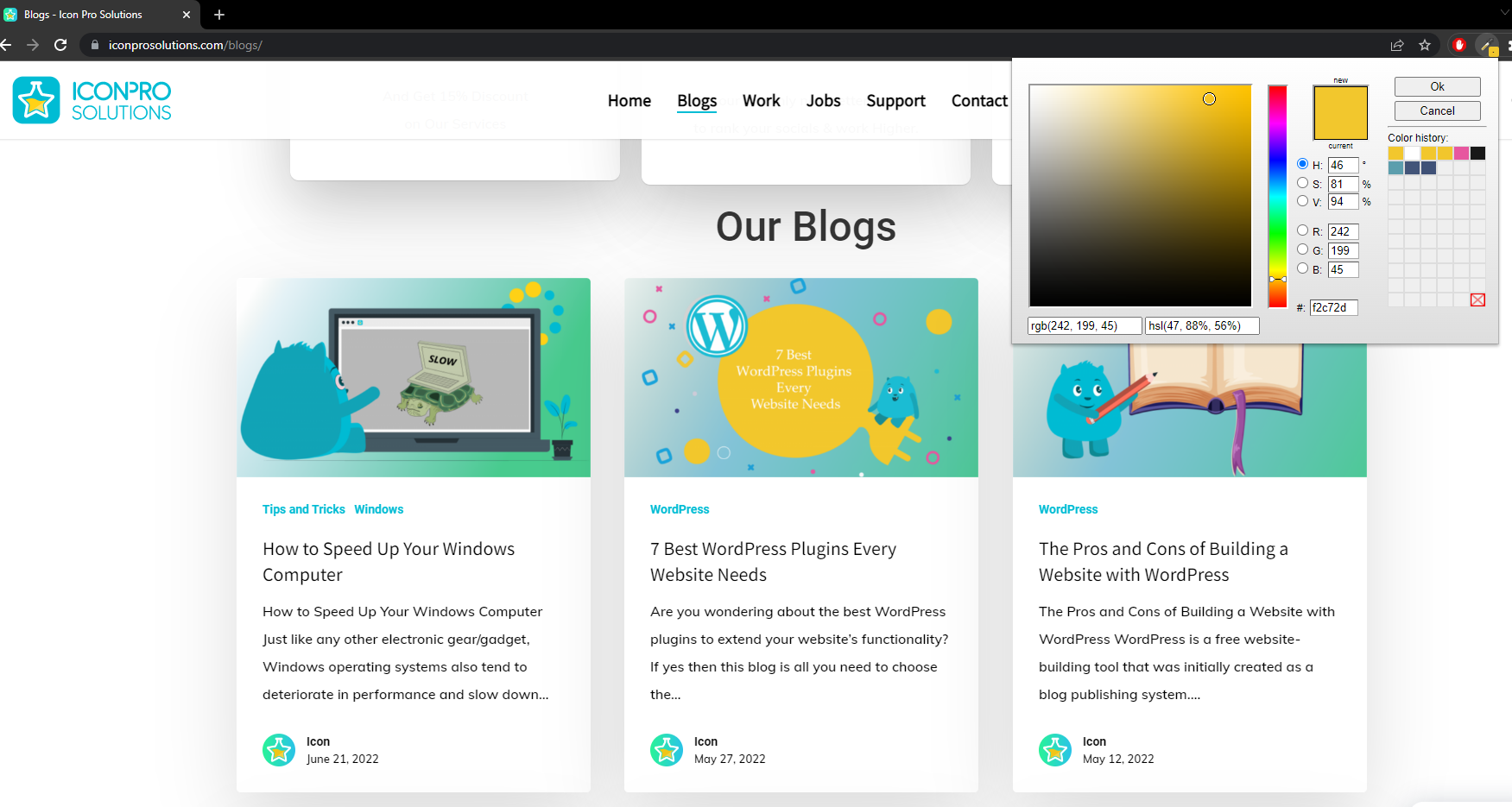
The next up on our list is Colorzilla. Did you discover a cool color on someone’s website?
We all know that when choosing colors, designers want their colors to be sheerly precise in terms of hex code and RGB (red, green, blue) values. For this reason, Colorzilla is the absolute choice for them as it covers all these aspects from a color standpoint.
All you need to do is to hover and click on the color you want to know about and it’ll do the rest.
3. GoFullPage – Full Page Screen Capture
As a designer, you’ve probably come across the hassle of capturing a website/webpage in multiple parts, which is a pretty hectic task right? And we as humans, are always finding a flexible approach to reduce our workload.
For this reason, GoFullPage is indeed the go-our plugin. It allows you to capture full pages hassle-free just with a click of a button, and then you can download them in PDF or PNG formats.
4. Image Downloader
Need to download more than one image from a site/page? Image Downloader has got you covered as it allows you to download images from a page/site in bulk. And also, you can filter images by width, height, or URL. The process is pretty simple as well, just clicking on the extension will detect all the images from the site you’re on, and then you can download them easily.
5. SVG Grabber
SVG Grabber is an open-source Chrome extension that allows you to preview and download all the SVG files from a website. All you need is to go to the website you want to grab the SVG from, and just click on the extension. The extension will detect and display all the SVG assets, ready to preview and download.
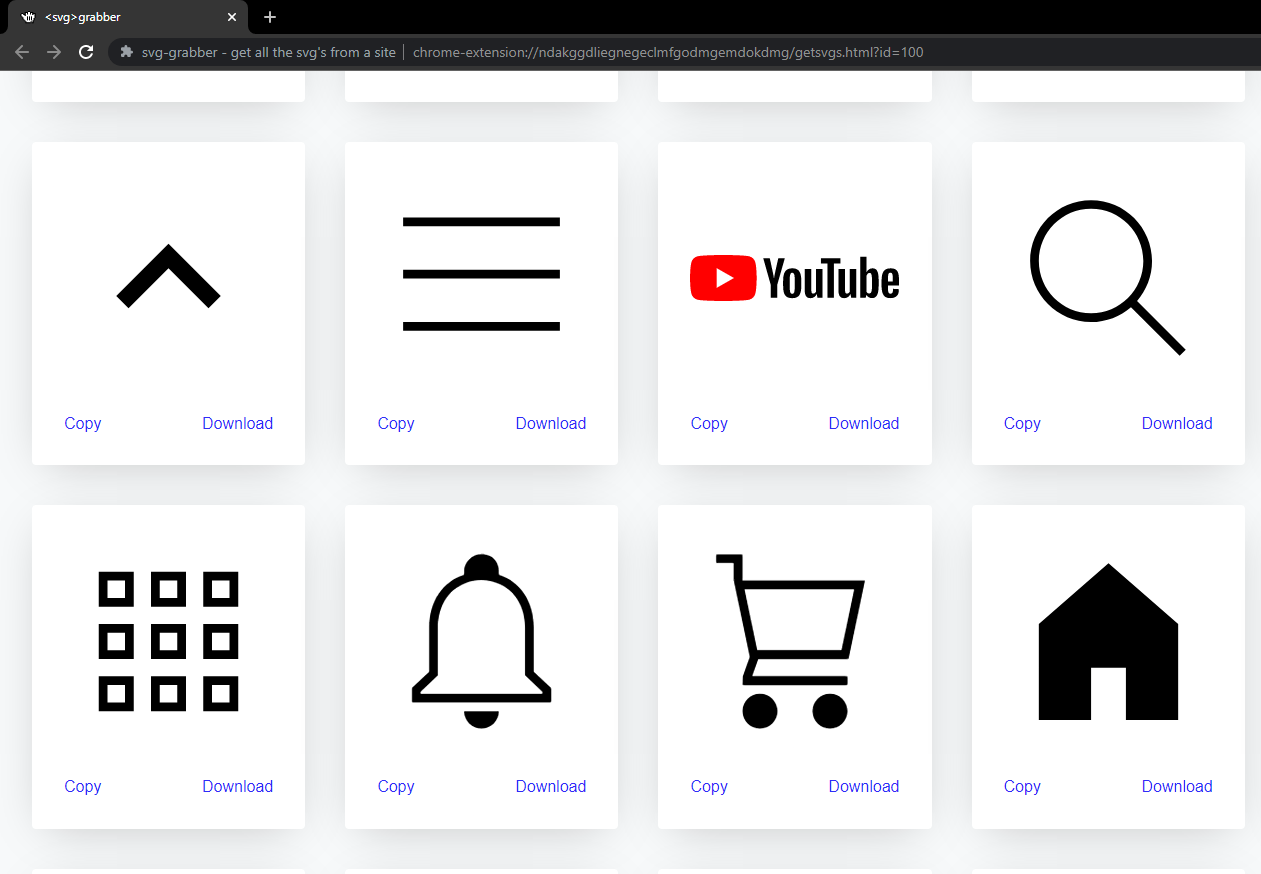
The above picture is displaying all the SVG files detected from Youtube.
6. HTML to Figma
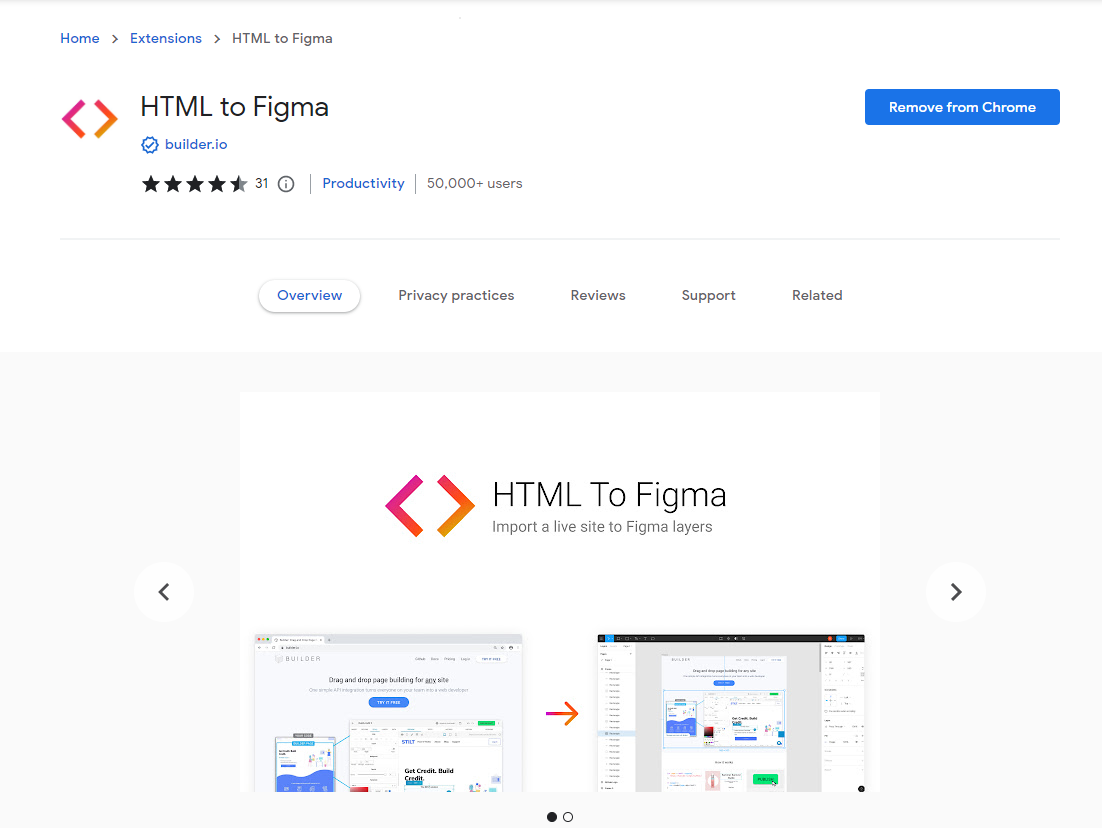
For users who are using Figma as their interface design tool, this extension is the best time/effort-saving tool. This tool imports all the HTML layers from a website to Figma in just a few seconds.
Moreover, it downloads the JSON file which you can later import into Figma and start working on it.
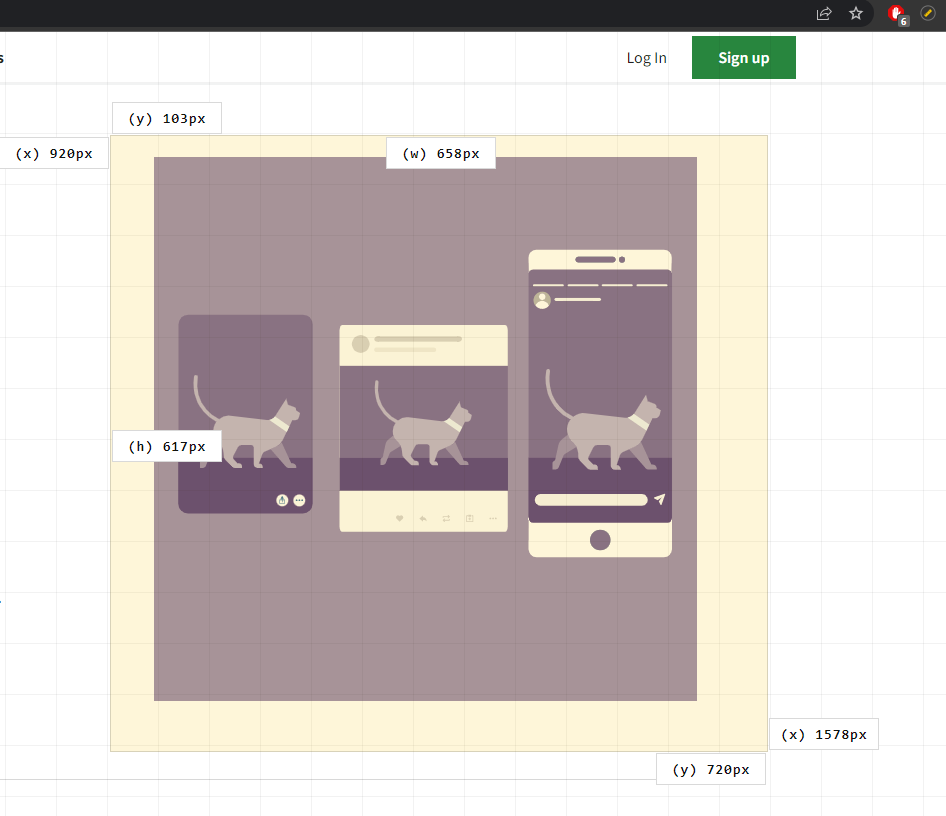
7. Page Ruler
Page ruler is an effective tool that comes in handy when you want to know about the dimensions of any element on a page. It displays the height, width, and x, and y dimensions of that selected element. Therefore, the only thing you have to do is to click and drag on a specific element of a page and it’ll display its characteristics.